The IRS has reported a dramatic rise in Smishing attacks
July 24, 2024
Categories: Financial Security2 min read
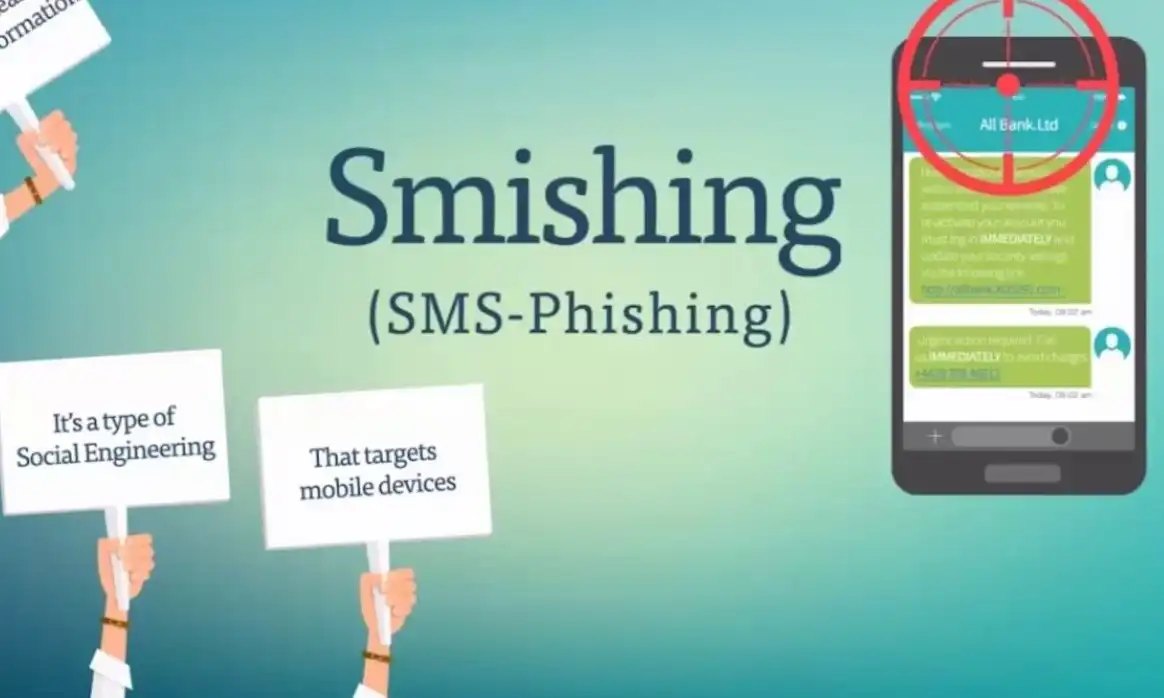
The IRS has reported a dramatic rise in smishing attacks, a term describing text messages used to capture individuals’ private information illicitly.
The term “smishing” is a combination of “SMS” and “phishing.” The messages appear along other SMS messages received but also include IRS logos or additional data designed to deceive the recipient into thinking it is authentic. The IRS DOES NOT use emails or text messages to initiate contact with taxpayers. Do not click on any link from these texts. A smishing attack is a type of cyber attack where attackers use SMS (Short Message Service) or text messages to trick individuals into revealing personal information, such as passwords, credit card numbers, or social security numbers.
Characteristics of Smishing Attacks
- Deceptive Messages: Attackers send text messages that appear to be from legitimate sources, such as banks, government agencies, or well-known companies.
- Urgency and Fear Tactics: Messages often create a sense of urgency or fear, prompting recipients to act quickly without thinking critically. Common examples include warnings about account suspensions, fraud alerts, or urgent payment requests.
- Links and Attachments: The messages typically contain malicious links or attachments. Clicking on these links can lead to fraudulent websites designed to steal personal information or install malware on the victim’s device.
- Requests for Personal Information: Some smishing attacks ask recipients to reply with personal information or verification codes.
Examples of Smishing
- Bank Fraud Alerts: A message claiming to be from a bank, stating that there has been suspicious activity on your account and urging you to click a link to verify your information.
- Delivery Notifications: A text message appearing to be from a delivery service, asking you to click a link to reschedule a delivery or confirm your address.
- Prize Notifications: A message claiming you have won a prize and need to click a link or call a number to claim it, which leads to phishing sites or phone numbers that ask for personal details.
How to Protect Against Smishing Attacks
- Verify the Sender: Do not trust unsolicited messages. Contact the company or person directly using a known phone number or official website.
- Do Not Click Links: Avoid clicking on links or downloading attachments from unknown or unexpected messages.
- Use Security Software: Install and maintain security software on your mobile devices to detect and prevent malware.
- Report Smishing: Report suspicious messages to your mobile carrier and relevant authorities to help combat smishing.